Gaming Laptop vs Workstation Laptop: Which Do You Need?

Do You Need a Gaming Laptop or a Workstation Laptop? Here’s How to Choose
If you are shopping for a powerful laptop, two categories you will frequently encounter are gaming laptops and workstation laptops. Both are designed to handle demanding tasks, offer powerful processors, and often feature dedicated graphics cards. However, they are built with different priorities in mind.
A gaming laptop is primarily designed to deliver smooth gameplay, high frame rates, and immersive graphics. A workstation laptop, on the other hand, is designed for professional workloads such as 3D modelling, engineering simulations, CAD design, video production, and other demanding creative or technical applications.
But which one should you buy?
The answer depends on what you intend to do with your laptop, the software you use, your budget, and the level of performance and reliability you need.
In this guide, we will explain the differences between gaming laptops and workstation laptops, compare their strengths and weaknesses, and help you decide which option is best for you.
1. What Is a Gaming Laptop?
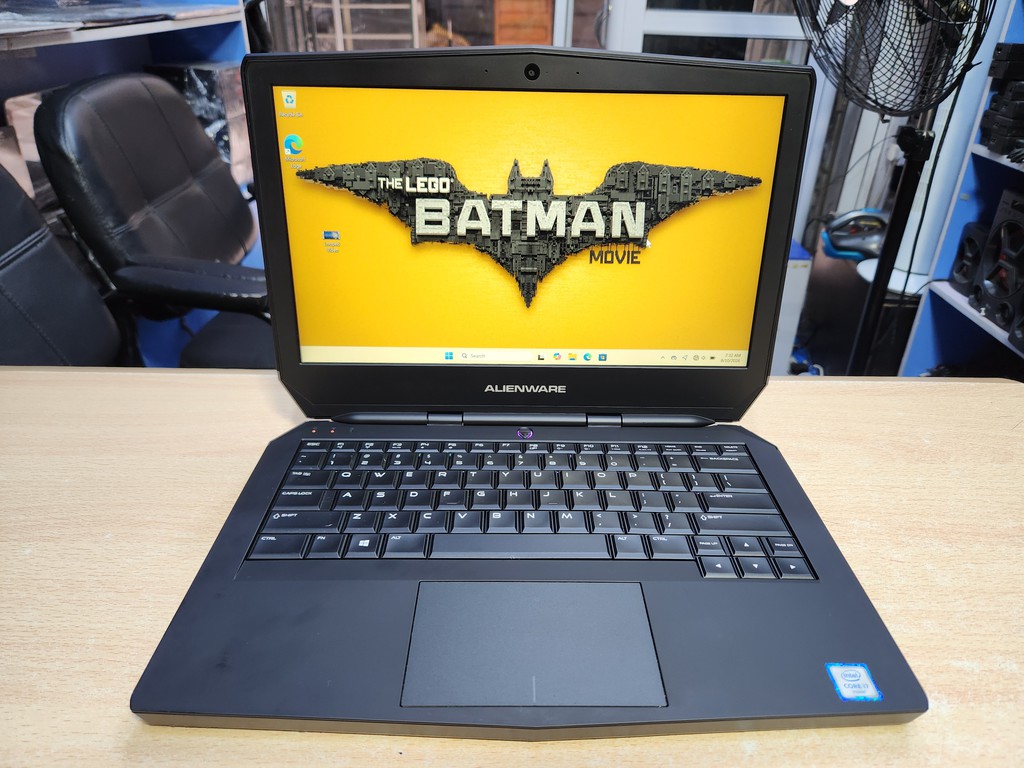
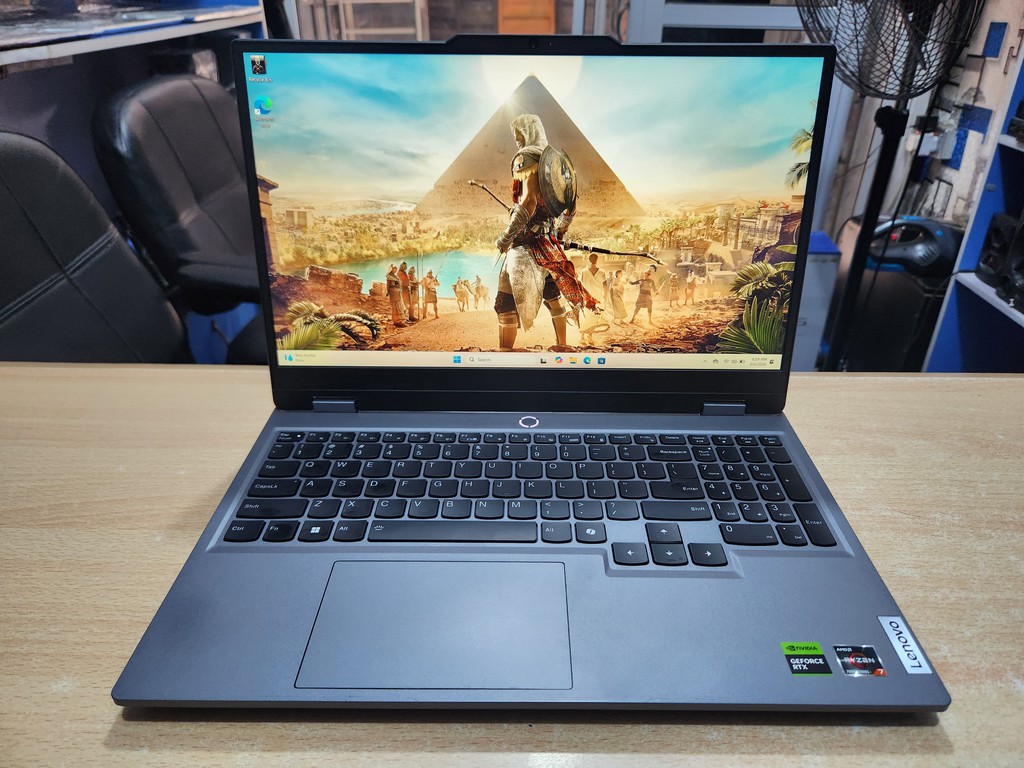
A gaming laptop is a high-performance portable computer designed primarily for playing modern video games. It typically combines a powerful processor, a dedicated graphics card, a high-refresh-rate display, and an advanced cooling system.
Modern gaming laptops can also be used for video editing, graphic design, streaming, programming, and other demanding tasks.
Key features of gaming laptops
Powerful graphics cards: Gaming laptops commonly feature NVIDIA GeForce RTX or AMD Radeon graphics cards, designed to deliver strong performance in games and graphics-intensive applications.
High-refresh-rate displays: Many gaming models offer 120Hz, 144Hz, 165Hz, 240Hz, or higher refresh rates for smoother motion during gameplay.
Strong processors: Gaming laptops often use high-performance Intel Core or AMD Ryzen processors to handle demanding games and multitasking.
Advanced cooling systems: Powerful processors and graphics cards generate heat, so gaming laptops typically use substantial cooling systems with multiple fans and heat pipes or vapour chambers.
Gaming-focused design: Many models feature RGB lighting, aggressive styling, programmable controls, and specialised gaming software.
Who should buy a gaming laptop?
A gaming laptop may be the right choice if you:
- Play modern PC games and want high frame rates.
- Stream gameplay or create gaming content.
- Edit videos or produce digital content.
- Use applications that benefit from powerful graphics hardware.
- Want a versatile high-performance laptop for both work and entertainment.
Gaming laptops are not just for gamers. Their powerful hardware can make them useful for many professional tasks, depending on the specific model and software involved.
2. What Is a Workstation Laptop?
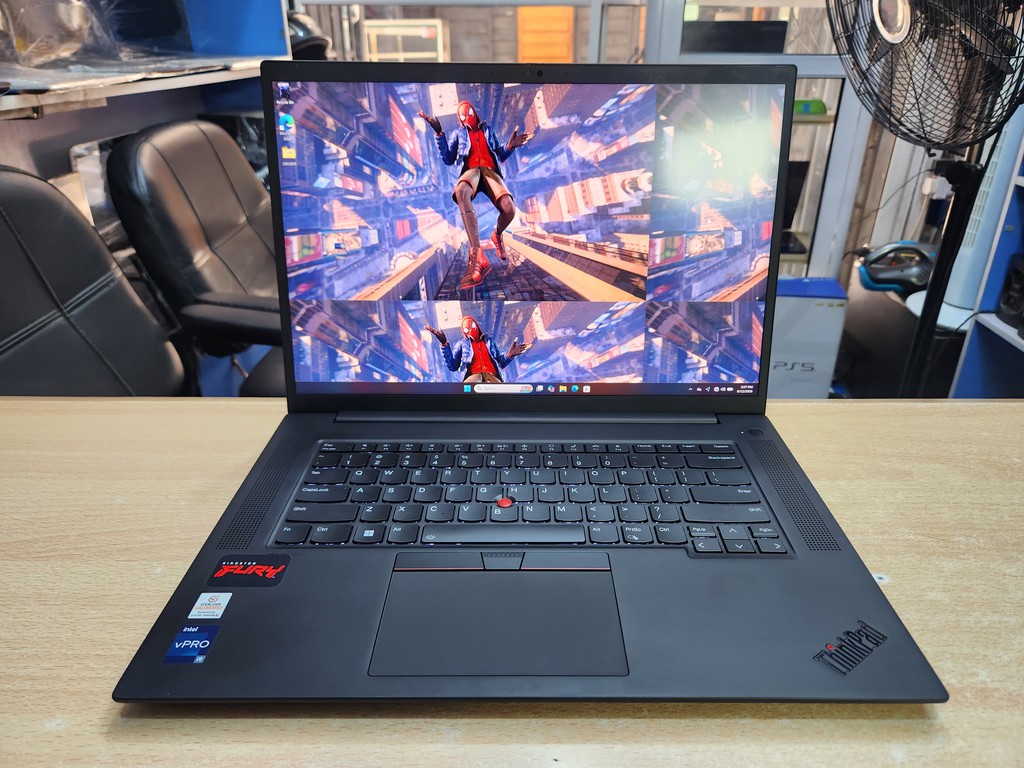
A workstation laptop is a professional computer designed for specialised, resource-intensive workloads. These laptops are commonly used by engineers, architects, designers, scientists, 3D artists, and other professionals who rely on demanding software.
Unlike gaming laptops, which prioritise gaming performance, workstation laptops often place greater emphasis on professional application compatibility, graphics accuracy, stability, and support for specialised workflows.
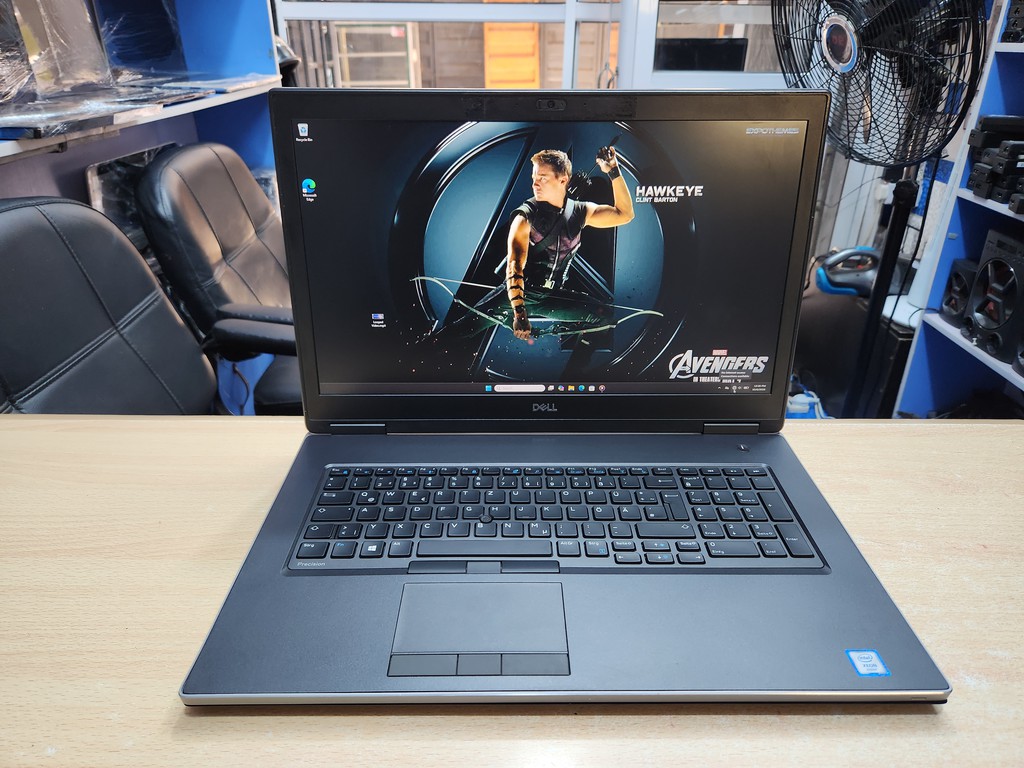
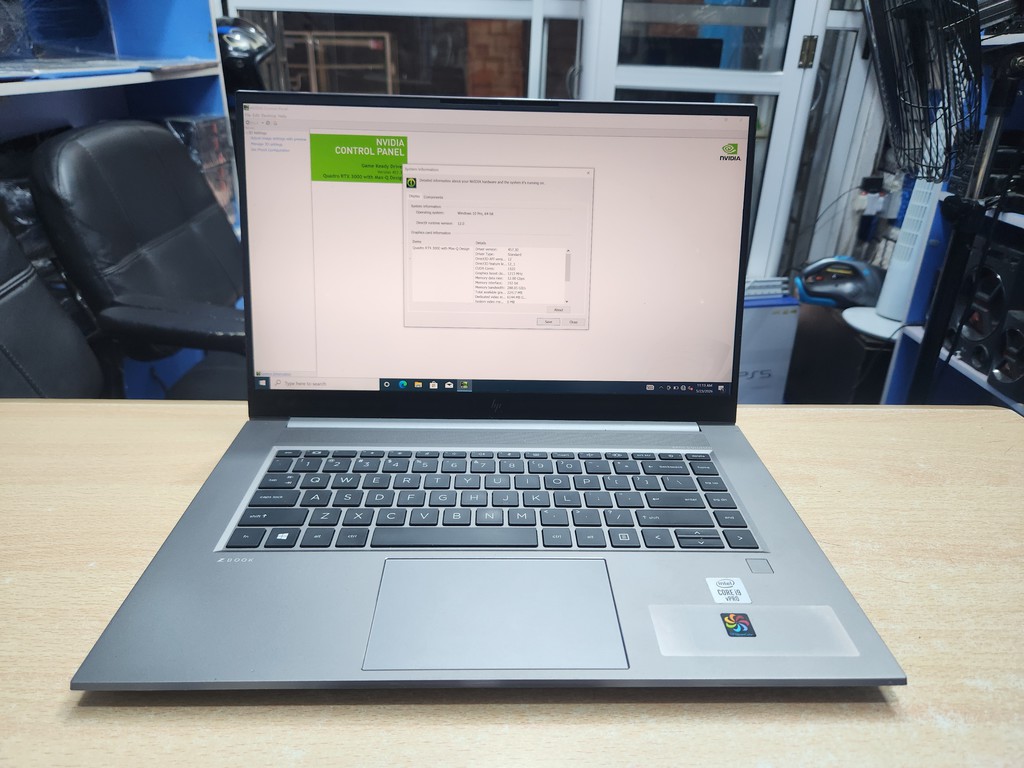
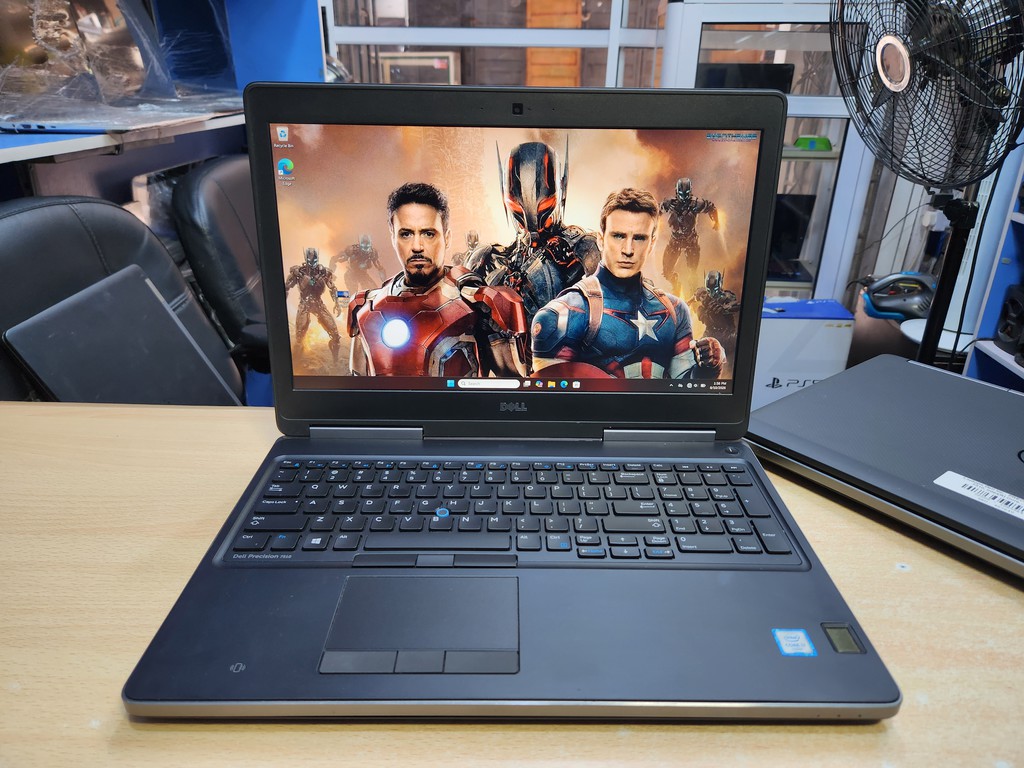
Popular workstation laptop families include the Dell Precision, HP ZBook, and Lenovo ThinkPad P-series.
Key features of workstation laptops
Professional graphics options: Many workstation models offer NVIDIA RTX professional GPUs, formerly branded Quadro, or other graphics options suited to professional applications. Some also use powerful consumer-class GPUs, depending on the model.
Professional software compatibility: Certain workstation configurations are certified for specific professional applications, helping ensure compatibility and reliable operation with supported software versions and drivers.
High-performance processors: Workstation laptops may use powerful Intel Core, Intel Core Ultra, Intel Xeon in some older or specialised models, or AMD Ryzen processors.
Memory and storage options: Many models support substantial RAM and fast SSD storage, although upgradeability and maximum capacity vary by model.
Professional display options: Some workstations offer high-resolution displays with good colour accuracy, wide colour coverage, and features useful for design and visual production.
Business-oriented features: Depending on the model, workstation laptops may include enterprise security features, professional support options, and hardware configurations intended for demanding daily use.
Who should buy a workstation laptop?
A workstation laptop may be the better choice if you:
- Use engineering or architectural software such as AutoCAD, Revit, or SOLIDWORKS.
- Work with complex 3D models and technical visualisations.
- Perform professional rendering or computer-aided design.
- Work with large datasets or specialised technical applications.
- Need a laptop configured and validated for a particular professional workflow.
Not every workstation has every professional feature. Always check the specifications and compatibility requirements of the exact model you intend to buy.
3. Gaming Laptop vs Workstation Laptop: The Main Differences
Although both categories can offer excellent performance, their hardware configurations and intended uses differ.
| Feature | Gaming Laptop | Workstation Laptop |
| Primary purpose | Gaming and high-performance entertainment | Professional and technical workloads |
| Graphics | Usually NVIDIA GeForce RTX or AMD Radeon | Often professional NVIDIA RTX graphics or other suitable GPUs |
| Display | Often prioritises high refresh rates | May prioritise resolution, colour accuracy, or technical detail |
| Drivers | Commonly optimised for gaming | May offer professional drivers and application certifications |
| Engineering software | Can run many engineering applications | Often a strong choice for supported professional workflows |
| Gaming performance | Usually excellent for the price | Varies considerably by GPU and configuration |
| Design | Often bold, with gaming-focused styling | Often more understated and business-oriented |
| Portability | Varies; powerful models can be bulky | Varies; some models are designed for mobile professionals |
| Price | Wide range, from budget to premium | Wide range, including expensive professional configurations |
Important: These are general tendencies, not strict rules. A powerful gaming laptop can outperform a workstation in certain tasks, while a workstation can be the better choice for specialised applications. The actual processor, GPU, memory, cooling, and software requirements matter more than the label alone.
Explore some of our currently available workstation and gaming laptops
- Lenovo ThinkPad P14s Gen 1 – Core i7
- Lenovo ThinkPad P14s Gen 1 – Ryzen 7
- Asus ROG GL502V
- Dell Inspiron 15 7000 Gaming
- Acer Swift X
- Lenovo ThinkPad P1 Gen 5
- Alienware 13 R2
- Dell Precision 7740
- Dell Precision 7510
4. Which Is Better for Engineering and Architecture?
If you are an engineering student, architect, or professional, the choice depends on the software you use and the complexity of your projects.
Applications such as AutoCAD, Revit, SOLIDWORKS, CATIA, and other engineering tools can have different processor, graphics, memory, and certification requirements.
When a gaming laptop makes sense
A gaming laptop may be sufficient if you are:
- Learning AutoCAD or other introductory design tools.
- Studying engineering or architecture at university.
- Working on relatively small or moderately complex models.
- Using software that performs well on consumer graphics cards.
- Looking for strong performance within a limited budget.
A gaming laptop with a capable processor, a suitable dedicated GPU, 16GB or 32GB of RAM, and an SSD can be an excellent starting point for many students.
When a workstation is the better choice
A workstation may be preferable if you:
- Work with large or complex CAD assemblies.
- Use software with specific professional GPU certification requirements.
- Perform demanding engineering simulations.
- Handle detailed architectural visualisations or professional 3D modelling.
- Depend on a validated hardware and driver configuration for business-critical projects.
For these workflows, check the software developer’s hardware recommendations and certification lists before buying.
5. Which Is Better for Graphic Design and Video Editing?
Both gaming and workstation laptops can be excellent for creative work.
For graphic design, photography, and video editing, the display is especially important. A screen with good colour accuracy, appropriate resolution, and wide colour coverage may be more valuable than a very high refresh rate.
For video editing, GPU-accelerated effects, 3D animation, and rendering, graphics performance, processor capability, RAM, and storage speed all matter.
Choose a gaming laptop if:
- You edit videos for YouTube and social media.
- You use applications such as Adobe Premiere Pro or DaVinci Resolve.
- You want strong graphics performance for the money.
- You also play games or stream content.
- Your workflow does not require a certified professional GPU.
Choose a workstation if:
- You create complex 3D scenes or technical animations.
- You use professional CAD or visualisation software.
- Your projects benefit from certified drivers or specific professional GPU features.
- Your employer or client requires a particular hardware configuration.
For either category, prioritise sufficient RAM, a fast SSD, and a display suited to your work. A powerful GPU cannot compensate for every weakness in a laptop’s overall configuration.
6. Can You Use a Gaming Laptop as a Workstation?
Yes. A gaming laptop can serve as a capable workstation for many professional tasks.
Modern gaming laptops can provide powerful processors, dedicated GPUs, substantial RAM, and fast SSD storage. This makes them suitable for tasks such as:
- Video editing and rendering.
- Graphic design.
- Programming and software development.
- 3D modelling and animation.
- General CAD work.
- Machine-learning experimentation, depending on GPU capabilities and memory.
However, there are some limitations to consider.
A gaming laptop may not have professional GPU certifications for your particular application. It may also prioritise gaming-oriented display features over colour accuracy, or offer different support and security options from a business workstation.
If you are a student, freelancer, content creator, or professional using software that runs well on consumer hardware, a gaming laptop may provide excellent value.
If your work depends on specialised applications, validated configurations, or professional support, a workstation may be the safer investment.
7. Can You Play Games on a Workstation Laptop?
Yes. Many workstation laptops can run PC games, especially models equipped with powerful dedicated GPUs.
However, gaming performance depends on the exact GPU, processor, cooling system, power limits, and game being played.
Some workstation graphics cards are designed primarily for professional applications rather than maximum gaming performance per naira. In addition, workstation displays may prioritise resolution and colour accuracy instead of very high refresh rates.
If gaming is your primary purpose, a gaming laptop will generally be the more straightforward choice.
If you mainly work with professional applications but enjoy occasional gaming, a workstation with a capable GPU may serve both purposes.
8. Gaming Laptop vs Workstation Laptop: Which Offers Better Value for Money?
The better value depends on how you plan to use the laptop.
Gaming laptops often provide strong graphics performance at competitive prices because they target a large consumer market. They can be attractive to students, freelancers, and creators who need powerful hardware without paying for features they do not use.
Workstation laptops may cost more when equipped with professional GPUs, specialised display options, enterprise features, or support services. However, these features can be worthwhile when they directly benefit your work.
Consider a gaming laptop if:
- Your main priority is maximum performance within your budget.
- You want a powerful machine for gaming and general creative work.
- Your software does not require professional GPU certification.
- You prefer a high-refresh-rate display.
Consider a workstation laptop if:
- Your professional software benefits from a certified configuration.
- Your projects require specialised graphics or technical capabilities.
- Stability and compatibility are especially important to your workflow.
- You need specific professional or enterprise features.
Do not assume that every workstation is more powerful than every gaming laptop. A workstation with an entry-level GPU may be slower for some tasks than a gaming laptop with a high-end graphics card.
Compare the exact specifications rather than relying on the product category.
9. What Specifications Should You Look For?
Before purchasing either type of laptop, pay attention to the following components.
Processor (CPU)
Choose a modern, capable processor appropriate for your workload. Some applications benefit greatly from high single-core performance, while others take advantage of many cores.
Graphics card (GPU)
For gaming, 3D work, rendering, and GPU-accelerated creative applications, the graphics card can have a major impact on performance.
Look at the exact GPU model and its power configuration rather than judging by the RTX or Radeon name alone.
RAM
- 16GB: A reasonable starting point for gaming, general creative work, and many student workloads.
- 32GB: A strong choice for demanding multitasking, video editing, larger CAD projects, and many professional applications.
- 64GB or more: May be appropriate for complex simulations, large 3D scenes, specialised workloads, and other memory-intensive tasks.
Check the requirements of your software and whether the laptop allows memory upgrades.
Storage
An SSD is strongly recommended for fast boot times, application loading, and file transfers. A 512GB SSD is a practical starting point for many users, while 1TB or more may be preferable for large games, video projects, and professional files.
Display
For gaming, consider refresh rate, response time, resolution, and graphics performance.
For design and professional visual work, consider resolution, brightness, colour accuracy, and colour-space coverage.
Cooling system
Powerful components require effective cooling. A laptop that cannot maintain its performance under sustained workloads may be less useful for long gaming sessions, rendering, or simulations.
Upgradeability
Some laptops allow RAM and SSD upgrades, while others have restrictions. Check the service manual and specifications for the exact model before purchasing.
10. Should You Buy a New or UK-Used Gaming or Workstation Laptop?
Buying a UK-used laptop can be a practical way to obtain powerful hardware at a lower price than a comparable brand-new machine.
For example, older Dell Precision, HP ZBook, and Lenovo ThinkPad P-series models may offer capable processors, dedicated graphics, and professional features that remain useful for compatible workloads.
Used gaming laptops can also provide good performance, but they require careful inspection because demanding use may place substantial stress on the cooling system, fans, battery, and graphics hardware.
Before buying a used gaming or workstation laptop, check:
- The exact processor and graphics card.
- RAM and SSD capacity.
- Display condition and resolution.
- Battery health and charging behaviour.
- Cooling fan operation and temperatures.
- Keyboard, touchpad, ports, webcam, and wireless connectivity.
- Whether the graphics card and other components work correctly under load.
- Whether the laptop meets the requirements of your intended software.
- The seller’s return policy and any applicable warranty.
Do not choose a laptop based on the model name alone. Different configurations within the same product family can have very different performance levels.
11. Examples of Gaming and Workstation Laptop Families
If you are comparing models, these product families are useful starting points.
Gaming laptop families
- Lenovo Legion: Performance-focused gaming laptops, with configurations varying by generation.
- HP OMEN: Gaming laptops offering a range of graphics and processor options.
- ASUS ROG: Gaming laptops covering a variety of performance and portability needs.
- Dell Alienware: Gaming laptops that include premium performance-focused configurations.
Workstation laptop families
- Dell Precision: Mobile workstations for engineering, technical design, and professional computing.
- HP ZBook: Professional laptops designed for demanding creative and technical workflows.
- Lenovo ThinkPad P-series: Mobile workstations covering a range of professional applications and configurations.
Always compare the specifications of the individual laptop rather than assuming every model in a family has the same capabilities.
12. So, Do You Need a Gaming Laptop or a Workstation Laptop?
The best laptop is the one that matches your actual workload without making you pay for capabilities you do not need.
Choose a gaming laptop if you want powerful graphics, smooth gaming, and strong general performance for your money. It can also be an excellent choice for many students, content creators, programmers, and freelancers.
Choose a workstation laptop if you rely on specialised professional software, complex technical projects, or a configuration that is certified for your particular application.
If you are unsure, start by listing the software you use, the size of your projects, your budget, and whether gaming is also important to you. These details will help narrow down the right processor, GPU, memory, and storage configuration.
Looking for a Gaming Laptop or Workstation in Nigeria?
At MaxIO IT Solutions, we help customers find technology suited to their work, studies, business, and entertainment needs.
We offer UK-used and brand-new laptops, including business laptops and workstation models, subject to availability. Whether you need a laptop for gaming, engineering, architecture, graphic design, video editing, or everyday productivity, choosing the right configuration is essential.
Visit our website to explore available laptops and other technology products.
MaxIO IT Solutions
- Website: https://maxio.ng
- Call or WhatsApp: 08091062121
- Address: Shop B008, Sokoto Plaza, Trade Fair Complex, Lagos, Nigeria.
Get in touch with MaxIO for help choosing a laptop that matches your workload and budget.
Final Verdict
A gaming laptop and a workstation laptop can both deliver impressive performance, but they are designed with different priorities in mind.
Choose a gaming laptop for gaming and versatile high performance. Choose a workstation for specialised professional workloads where application compatibility and professional features matter.
Compare the exact specifications, confirm your software requirements, and choose the laptop that gives you the best balance of performance, reliability, and value for your money.